

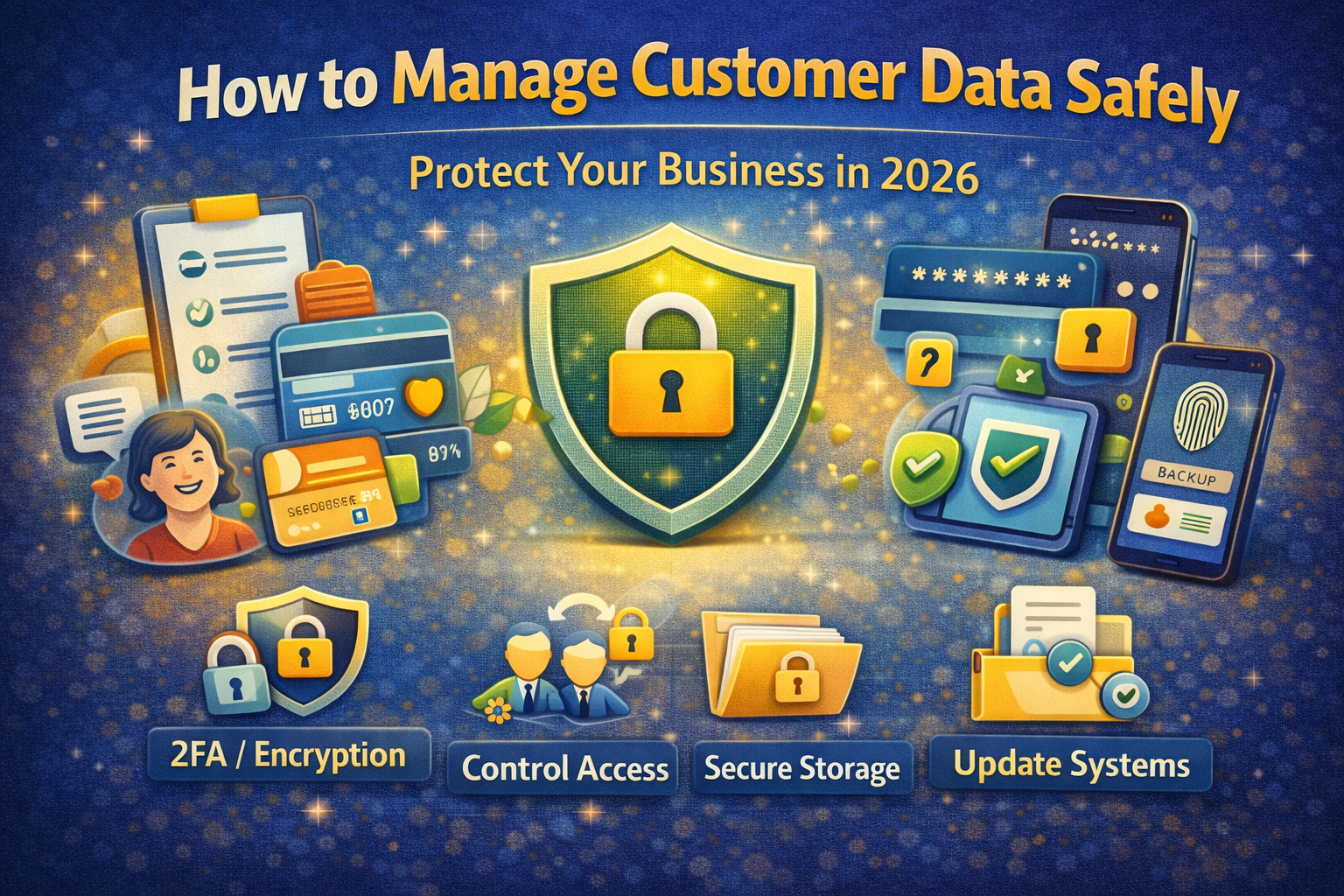
How to Manage Customer Data Safely
In today’s digital world, customer data is one of the most valuable assets for any business.
Whether you run:
- a small business
- an online store
- a service company
- a software agency
you are collecting customer data like:
- names
- phone numbers
- email addresses
- payment details
- business information
But here is the reality:
If customer data is not handled properly, it can become your biggest risk.
A data leak or misuse can:
- damage your reputation
- break customer trust
- lead to financial loss
- create legal issues
That’s why:
Managing customer data safely is not optional — it is essential.
This guide will teach you:
- what customer data security means
- why it is important
- real-world risks
- step-by-step methods to protect data
- tools and best practices for 2026
What Is Customer Data?
Customer data includes any information that can identify a person.
Examples of customer data
- full name
- mobile number
- email address
- address
- payment details
- purchase history
- login credentials
Types of customer data
1. Personal Data
Basic identification:
- name
- phone
2. Sensitive Data
More critical:
- passwords
- OTPs
- bank details
- ID numbers
3. Behavioral Data
User actions:
- browsing activity
- purchase patterns
- preferences
Why Data Security Is Important
1. Protect Customer Trust
Customers expect their data to be safe.
If trust is broken, customers leave.
2. Prevent Financial Loss
Data breaches can lead to:
- fraud
- chargebacks
- penalties
3. Avoid Legal Problems
Many countries have strict data protection rules.
4. Protect Your Business Reputation
One mistake can damage your brand permanently.
Real-World Example
A small business stores customer data in a simple Excel file.
- No password
- No encryption
- Shared on multiple devices
One employee’s laptop gets infected.
The file is stolen.
Result:
- customer data leaked
- complaints start
- business loses trust
This happens more often than people think.
Common Mistakes Businesses Make
- storing data without security
- sharing data openly
- using weak passwords
- not updating software
- not training employees
- ignoring backups
Step-by-Step Process to Manage Customer Data Safely
Now the most important part:
Step 1: Collect Only Necessary Data
Rule
Only collect what you actually need.Example
If you run a service business:
- name ✔
- phone ✔
- email ✔
- Aadhaar ❌ (not required)
Why
Less data = less risk
Step 2: Store Data Securely
Avoid:
- open Excel sheets
- unsecured folders
Use:
- password-protected files
- secure CRM systems
- encrypted storage
Step 3: Use Strong Passwords
Every system should have:
- strong password
- unique login
Tip
Do not share passwords with multiple people.
Step 4: Enable Access Control
Not everyone should access all data.
Example
- admin → full access
- staff → limited access
Why
Reduces internal risk
Step 5: Encrypt Sensitive Data
Encryption protects data even if stolen.
Example
- encrypted files
- secure cloud storage
Step 6: Backup Data Regularly
Always keep:
- backup copy
- secure location
Why
If data is lost or attacked, you can recover it.
Step 7: Use Secure Software and Tools
Avoid:
- pirated software
- unknown tools
Use:
- trusted platforms
- verified apps
Step 8: Update Systems Regularly
Updates fix:
- security bugs
- vulnerabilities
Rule
Never ignore updates.
Step 9: Train Your Team
Human error is the biggest risk.
Train staff to
- avoid phishing
- not share passwords
- identify fake links
Step 10: Use Two-Factor Authentication (2FA)
Adds extra security layer.
Even if password leaks, account stays protected.
Step 11: Monitor Data Access
Track:
- who accessed data
- when
- what changes were made
Step 12: Secure Your Devices
Protect:
- laptops
- mobile phones
- office systems
Use:
- antivirus
- screen lock
- device encryption
Step 13: Avoid Public Wi-Fi for Business Work
Public networks are risky.
Use:
- secure internet
- VPN if needed
Step 14: Create a Data Privacy Policy
Tell customers:
- what data you collect
- how you use it
- how you protect it
Step 15: Delete Unnecessary Data
Old data increases risk.
Rule
Keep only what is needed. 
Best Tools for Managing Customer Data Safely
1. CRM Systems
- manage customer data securely
2. Cloud Storage
- encrypted storage
3. Password Managers
- store passwords safely
4. Security Software
- protect from malware
Advanced Security Tips (2026)
- use role-based access
- monitor unusual activity
- automate backups
- use secure APIs
- audit systems regularly
Common Threats to Customer Data
- phishing attacks
- malware
- insider misuse
- weak passwords
- unsecured networks
What To Do If Data Is Compromised
Step 1
Identify the issue
Step 2
Secure systems
Step 3
Change passwords
Step 4
Inform affected customers
Step 5
Fix vulnerabilities
Quick Security Checklist
✔ Collect minimal data
✔ Use strong passwords
✔ Enable 2FA
✔ Backup data
✔ Train staff
✔ Update systems
✔ Use secure tools
What is customer data security?
It means protecting customer information from unauthorized access.
Why is it important?
To protect trust, business, and legal safety.
What is the biggest risk?
Human error and weak passwords.
How often should I backup data?
Regularly (daily or weekly).
Final Thoughts
Customer data is powerful.
But with power comes responsibility.
If you protect your customers’ data, you protect your business.
Start with small steps:
- strong passwords
- secure storage
- awareness
Then build advanced security over time.

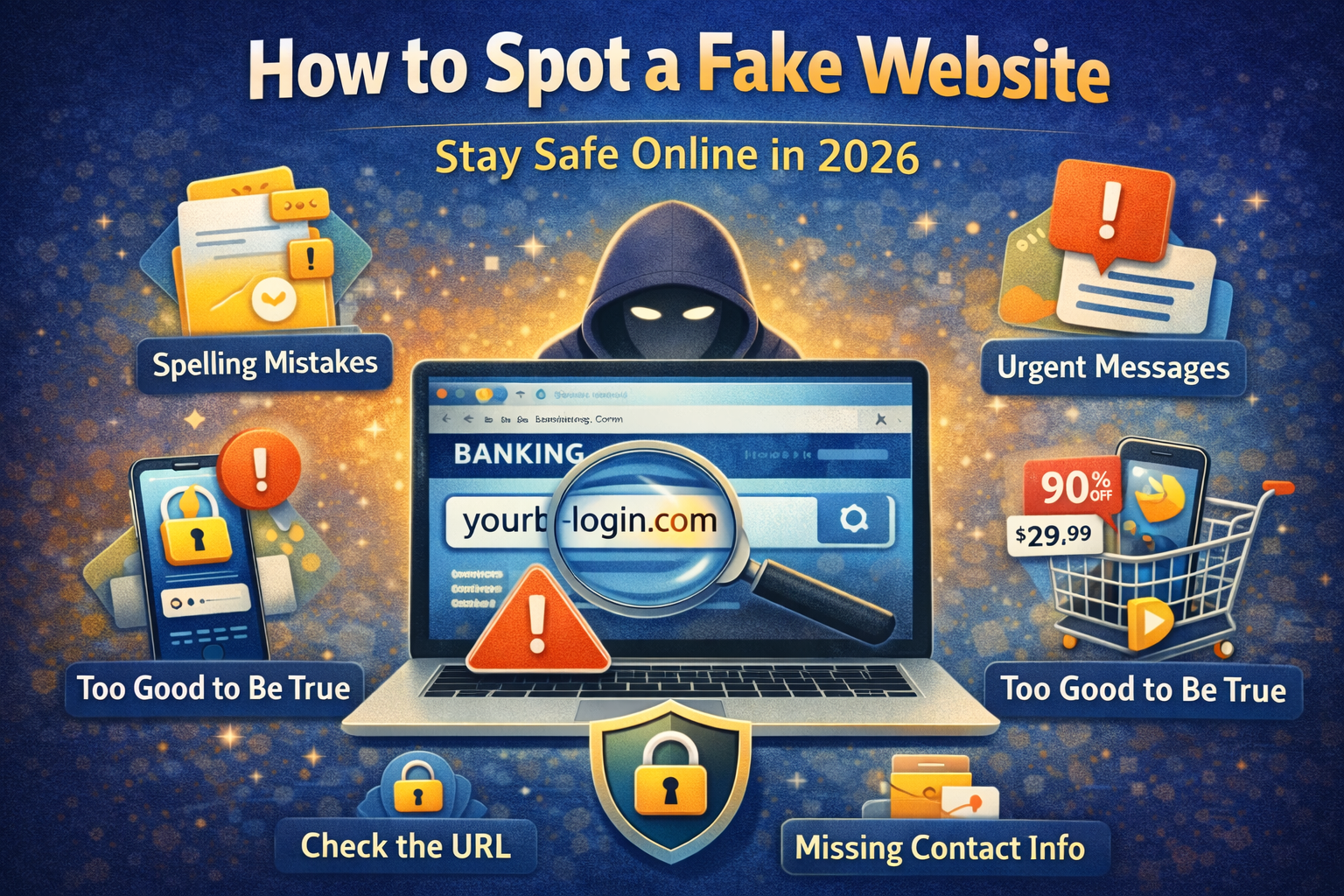
Best Way to Identify a Fake Website Before Entering Your Details
In today’s digital world, almost everything happens online. You: shop online log in to




1 Comment
[…] How to Manage Customer Data Safely […]