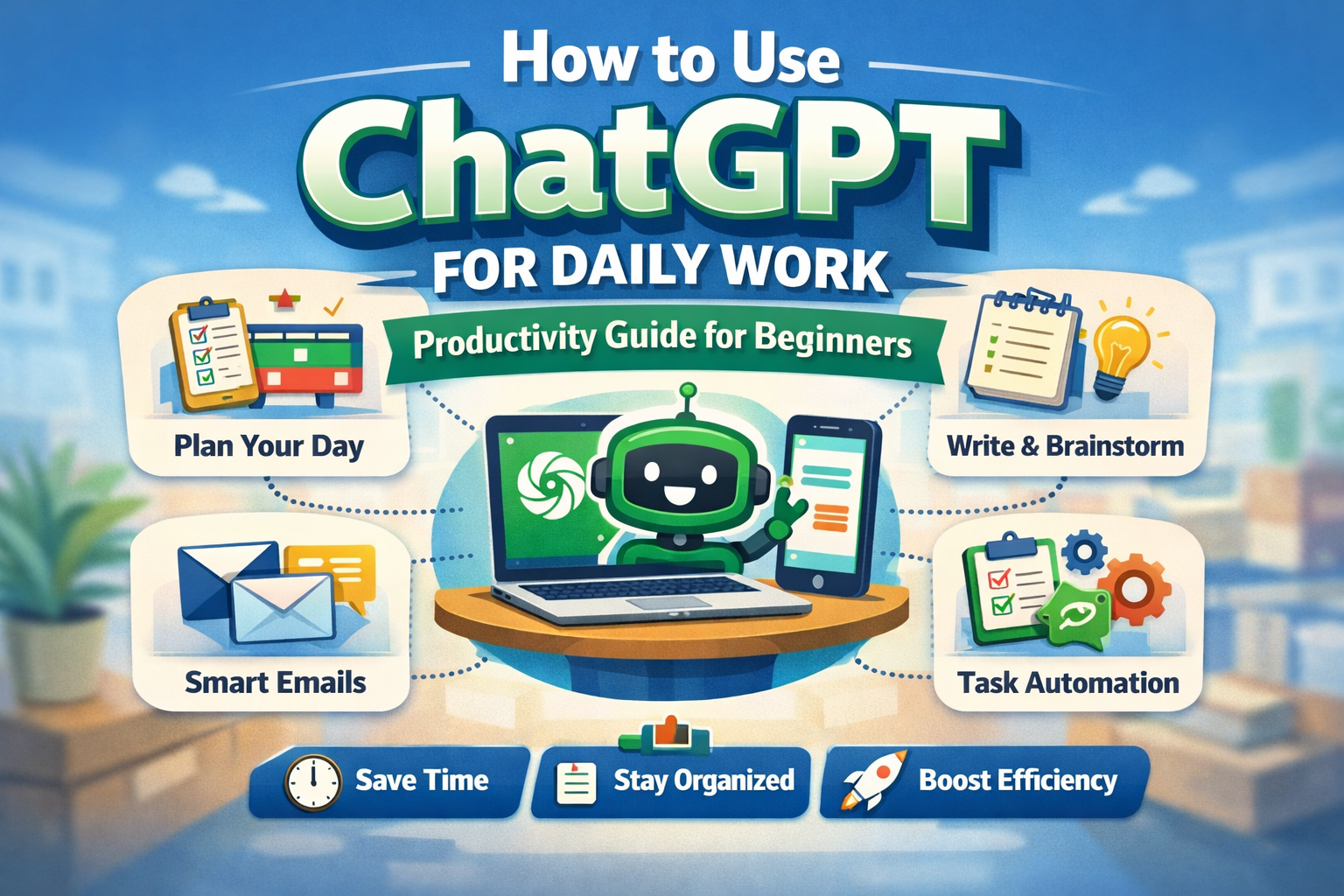
How to Use ChatGPT for Daily Work and Productivity
If you are using ChatGPT only for random questions, jokes, or simple writing, then you are missing its biggest value.
ChatGPT can become a daily productivity assistant that helps you work faster, think more clearly, organize your day, write better, and reduce repetitive tasks.
In 2026, many people are no longer using ChatGPT only as a chatbot. They are using it as a tool for:
- planning their day
- writing emails
- organizing work
- brainstorming content
- summarizing notes
- improving communication
- learning faster
- automating small repetitive tasks
- managing ideas and tasks
OpenAI’s official help documentation describes ChatGPT as a conversational assistant that can help with drafting, summarizing, explaining, translating, and other work tasks, with tool access depending on plan and settings.
The reason this matters is simple:
Productivity is not about working harder. It is about reducing friction.
And ChatGPT is very good at reducing friction.
This guide will show you exactly how to use ChatGPT for daily work and productivity, even if you are a complete beginner.
You will learn:
- how ChatGPT fits into your everyday workflow
- practical use cases for students, freelancers, bloggers, creators, and business owners
- how to write better prompts
- a step-by-step productivity workflow
- real-world examples
- mistakes to avoid
- how to use it in a way that is useful, original, and safe
If you want to save time and work smarter in 2026, this article will help you do that.
What Is ChatGPT and Why Is It Useful for Daily Work?
ChatGPT is an AI assistant that can help you think, write, organize, summarize, and solve problems faster.
At its core, it is useful because it can take messy input and turn it into clear output.
That means if your thoughts are scattered, your to-do list is unclear, your writing is weak, or your ideas are incomplete, ChatGPT can help structure them.
Simple examples of what it can do
- turn rough notes into clean writing
- turn ideas into action steps
- turn long text into summaries
- turn tasks into workflows
- turn confusion into clarity
That is why it is so useful for daily productivity.
Why people use ChatGPT for work
Most work today involves one or more of these:
- communication
- planning
- writing
- decision-making
- research
- organization
ChatGPT can support all of them.
It is especially useful when you feel:
- stuck
- slow
- overwhelmed
- mentally tired
- unsure how to start
And that is where it becomes powerful.
Why ChatGPT Is a Productivity Tool — Not Just a Writing Tool
A lot of beginners make one mistake:
They think ChatGPT is only for writing articles or answering questions.
That is too narrow.
The real value of ChatGPT is that it can support your workflow, not just your words.
Think of ChatGPT as your:
- writing assistant
- planning assistant
- idea partner
- research helper
- communication support
- organization tool
- thinking tool
That means instead of asking:
“Can ChatGPT write this for me?”
A better question is:
“Can ChatGPT help me do this faster and better?”
That mindset changes everything.
Who Can Use ChatGPT for Daily Work?
Almost anyone.
ChatGPT is useful for:
- students
- bloggers
- freelancers
- content creators
- job seekers
- office workers
- social media managers
- small business owners
- beginner coders
- online sellers
Even if you do not work in tech, you can still use ChatGPT every day.
Best Ways to Use ChatGPT for Daily Work and Productivity
Now let’s get into the practical part.
Below are the most useful real-world ways to use ChatGPT in your everyday workflow.
1) Use ChatGPT for Daily Planning
One of the best ways to use ChatGPT is to plan your day before you start working.
Many people waste time not because they are lazy, but because they are unclear.
ChatGPT can help you turn a messy day into a structured plan.
What it can help with
- daily to-do list
- priority planning
- time blocking
- work breakdown
- focus planning
- routine building
Real-world example
Let’s say your day looks like this:
- write blog
- edit reel
- answer messages
- do keyword research
- update website
- post on Instagram
That list feels random and heavy.
Now ask ChatGPT:
“Turn these tasks into a realistic 6-hour workday with priorities and breaks.”
It can give you something like:
- 10:00–11:30 – Write blog draft
- 11:30–12:00 – Answer messages
- 12:00–1:00 – Edit reel
- 1:00–1:30 – Break
- 1:30–2:30 – Keyword research
- 2:30–3:30 – Website updates
- 3:30–4:00 – Instagram post
Now your day is clearer and easier to execute.
Best prompt
“Organize my tasks into a productive work schedule for today.”
This is one of the easiest ways to start using ChatGPT productively.
2) Use ChatGPT to Write Better Emails and Messages
A lot of daily work is just communication.
And communication takes time.
Whether you are replying to clients, sending project updates, writing professional emails, or drafting messages, ChatGPT can help you write faster and more clearly.
What it can help with
- professional emails
- polite follow-ups
- client responses
- apology emails
- inquiry replies
- collaboration messages
- WhatsApp/Slack message drafts
Real-world example
Imagine a client has not replied for 5 days and you want to follow up professionally.
Instead of wasting 20 minutes thinking, ask:
“Write a polite follow-up email to a client who has not replied in 5 days.”
Or if you want a friendlier tone:
“Write a warm but professional follow-up email for a pending design project.”
Why this improves productivity
Because communication delays often slow down work.
ChatGPT helps you:
- respond faster
- sound clearer
- avoid awkward wording
- reduce overthinking
This alone can save a lot of time every week.
3) Use ChatGPT for Content Writing and Brainstorming
If you create any kind of content — blogs, social media posts, videos, newsletters, or scripts — ChatGPT can save serious time.
What it can help with
- blog outlines
- video scripts
- Instagram captions
- hooks
- titles
- FAQs
- content calendars
- Pinterest descriptions
- call-to-actions
Real-world example
Let’s say you want to post a short-form video about productivity.
You can ask:
“Give me 10 short video ideas about productivity for beginners.”
Or:
“Write a 20-second Instagram Reel script on how to stop procrastinating.”
Or:
“Turn this blog topic into 5 Pinterest pin titles.”
That means one idea can become:
- one blog post
- one reel
- one carousel
- one caption
- one email
This is how smart creators use ChatGPT.
Best productivity angle
Use ChatGPT not just to create content, but to repurpose content.
That is where real efficiency comes from.
4) Use ChatGPT to Summarize Information Faster
One of the most underrated productivity uses of ChatGPT is summarization.
A lot of time gets wasted reading too much information without extracting what actually matters.
ChatGPT can help summarize:
- long articles
- meeting notes
- PDFs or documents (if supported)
- YouTube transcript notes
- class notes
- research points
- rough drafts
Real-world example
Suppose you took messy notes during a lecture or client meeting.
Paste them into ChatGPT and ask:
“Summarize these notes into key action points.”
Or:
“Turn this rough meeting note into a clean summary with next steps.”
This is useful because it turns information into action.
That is what productivity really is.
5) Use ChatGPT to Break Big Tasks Into Small Steps
A lot of people feel unproductive not because they lack discipline, but because their task feels too big.
ChatGPT is very useful for breaking down overwhelming tasks into manageable steps.
What it can help with
- project planning
- learning roadmaps
- website setup
- launching a blog
- YouTube workflow
- study planning
- business tasks
Real-world example
You want to “start a blog”.
That sounds simple, but it is actually a big task.
Ask ChatGPT:
“Break down starting a blog into beginner-friendly step-by-step tasks.”
It might return:
- choose niche
- buy domain
- install WordPress
- choose theme
- create pages
- write first 5 articles
- set up SEO plugin
- create social profiles
Now the task is no longer vague.
It becomes executable.
And that is one of the biggest ways ChatGPT improves productivity.
6) Use ChatGPT for Research Without Getting Overwhelmed
Research can be useful, but it can also become a time trap.
Many people open 15 tabs and still do not know what to do next.
ChatGPT helps simplify research by giving you:
- starting points
- topic summaries
- comparisons
- structure
- follow-up questions
Real-world example
Suppose you want to learn about “email marketing for small business”.
Ask:
“Explain email marketing for small business in simple terms and tell me what I should learn first.”
Then ask:
“Give me a step-by-step beginner learning roadmap.”
Now instead of endless browsing, you have direction.
Important note
Use ChatGPT for:
- understanding
- summarizing
- structuring
But always verify important facts, tools, pricing, legal advice, medical advice, or current information before acting on it. OpenAI’s own help documentation notes that outputs can be inaccurate and should not be treated as automatically correct.
7) Use ChatGPT for Task Automation and Repetitive Work
A lot of work is repetitive:
- rewriting similar emails
- creating weekly captions
- formatting descriptions
- creating checklists
- generating title variations
- making content summaries
- drafting replies
ChatGPT is excellent for this.
What you can automate mentally
- template writing
- standard replies
- repeatable content
- formatting work
- idea generation
- recurring planning
Real-world example
If you post blogs every week, you can ask:
“Create a reusable blog publishing checklist.”
Or:
“Create a weekly social media workflow for publishing blog content.”
Now instead of thinking from zero every time, you use a repeatable system.
That is how productivity compounds.
8) Use ChatGPT for Learning and Skill Building
One of the smartest ways to use ChatGPT is as a personal learning assistant.
This is useful if you are learning:
- SEO
- blogging
- coding
- design
- freelancing
- English communication
- digital marketing
- AI tools
Why this is powerful
Traditional learning often fails because:
- explanations are too complex
- content is too long
- there is no personalized support
ChatGPT solves this by allowing you to ask:
- “Explain like I’m a beginner”
- “Give me examples”
- “Teach me step by step”
- “Quiz me on this topic”
- “Correct my understanding”
Real-world example
If you are learning SEO, ask:
“Teach me on-page SEO step by step like I am a beginner.”
Then continue with:
“Now give me practice tasks.”
That makes learning active, not passive.
And active learning is much more productive.
9) Use ChatGPT to Improve Focus and Reduce Mental Load
A big reason people feel unproductive is not lack of tools.
It is mental overload.
You may know what to do, but you still feel mentally blocked.
ChatGPT can help reduce that friction by helping you:
- think clearly
- organize ideas
- make decisions
- reduce overthinking
- create simple next steps
Real-world example
If your mind is cluttered, type:
“I feel overwhelmed with these tasks. Help me simplify what to do first.”
Or:
“Help me decide the top 3 most important things I should finish today.”
This is not magic. It is structured thinking support.
And structured thinking often leads to better execution.
10) Use ChatGPT to Build Better Work Systems
The most productive people usually do not rely on motivation.
They rely on systems.
ChatGPT can help you build systems for:
- content creation
- studying
- client work
- business tasks
- admin work
- productivity routines
Real-world example
If you are a blogger, you can ask:
“Create a repeatable weekly workflow for writing and publishing 3 blog posts.”
It may suggest:
Monday
- keyword research
- outlines
Tuesday
- draft writing
Wednesday
- editing + featured image
Thursday
- publish + internal linking
Friday
- social media promotion
Now you have a system, not random effort.
And systems always outperform random hustle.
Step-by-Step: How to Use ChatGPT in Your Daily Workflow
Now let’s make this practical.
This is a simple beginner-friendly ChatGPT productivity workflow you can use every day.
Step 1: Start Your Day With a Brain Dump
Open ChatGPT and type everything you need to do.
Example:
“Today I need to write a blog, reply to clients, edit a reel, research keywords, and update my website.”
Then ask:
“Turn this into a realistic work plan.”
This immediately gives you structure.
Step 2: Prioritize What Actually Matters
Once ChatGPT organizes your tasks, ask:
“Which 3 tasks will have the biggest impact today?”
This is useful because being busy is not the same as being productive.
ChatGPT helps separate:
- important work
- low-priority work
- busy work
That is extremely useful for creators and freelancers.
Step 3: Use It Before You Start a Task
Before starting a task, ask ChatGPT for a faster process.
Examples:
For writing
“Give me an outline before I start writing.”
For studying
“Explain this chapter simply before I revise it.”
For content
“Give me 5 hooks before I script this reel.”
For business
“Create a checklist before I launch this offer.”
This reduces hesitation and speeds up execution.
Step 4: Use It During the Task
While working, ChatGPT can help with micro-problems:
- rewriting a paragraph
- improving a heading
- fixing grammar
- clarifying an idea
- generating examples
- simplifying a concept
This is where it becomes a real assistant, not just a one-time tool.
Step 5: Use It After the Task
After finishing, use ChatGPT to refine the result.
Examples:
“Improve this email.”
“Summarize this article into key points.”
“Turn this blog into Instagram content.”
“Make this easier to understand.”
This helps you get more value from one piece of work.
Real-World Example: How a Blogger Can Use ChatGPT in One Workday
Let’s say you are a blogger or creator.
Here is how ChatGPT can support a full productive day.
Morning
Task: Plan the dayPrompt:
“Create a productive work plan for writing one blog post and one Instagram Reel.”
Output
- blog outline first
- reel script second
- edit after lunch
- social content last
Midday
Task: Write the blogPrompt:
“Create a beginner-friendly outline for ‘How to Use ChatGPT for Daily Work and Productivity’.”
Then:
“Write the introduction in simple English.”
Then:
“Give me FAQs for this topic.”
Now instead of struggling for hours, you are moving faster.
Afternoon
Task: Repurpose contentPrompt:
“Turn this blog into 5 Instagram carousel slide ideas.”
Then:
“Write a short caption for this topic.”
Now one blog becomes multiple content assets.
Evening
Task: Wrap upPrompt:
“Summarize what I completed today and create tomorrow’s priority list.”
This is how ChatGPT becomes part of your workflow — not just a tool you open occasionally.
Best Prompt Formula for Productivity
A lot of people say:
“ChatGPT doesn’t give me good answers.”
Usually the problem is not the tool.
It is the prompt.
The easiest way to improve results is to use this structure:
Prompt Formula
Role + Task + Context + Style + Output
Example
“Act as a productivity assistant and organize my work tasks into a realistic 5-hour plan. Keep it simple and practical.”
Another example
“Act as a content strategist and turn this blog topic into a weekly content plan for Instagram and Pinterest.”
This makes your prompts much stronger.
How to Use ChatGPT Without Becoming Dependent on It
This is an important point.
ChatGPT is useful, but it should not replace your thinking.
The wrong way to use it is:
- copying everything
- trusting every answer
- skipping understanding
- using it as a shortcut for everything
The right way is:
- use it to save time
- use it to structure ideas
- use it to improve output
- use it to think more clearly
Best rule
Use ChatGPT to support your thinking, not to replace it.
That is the healthiest and most productive way to use it.
Common Mistakes People Make When Using ChatGPT for Work
Avoid these if you want better results.
1. Asking vague questions
Bad:
“Help me”
Better:
“Help me organize my work tasks for today.”
2. Expecting perfect output instantly
Good use of ChatGPT is usually iterative.
Ask:
- improve this
- simplify this
- rewrite this
- give me 3 options
That is where quality improves.
3. Copy-pasting everything
This creates generic work.
Always:
- edit
- personalize
- verify
- improve
4. Using it without a workflow
If you only use ChatGPT randomly, results stay random.
But if you use it at:
- planning stage
- execution stage
- editing stage
it becomes much more valuable.
5. Not verifying important information
This is critical for:
- pricing
- legal info
- health info
- statistics
- current trends
- business decisions
Always verify important claims.
Can I use ChatGPT every day for work?
Yes. In fact, it becomes more useful when you use it consistently for planning, writing, organizing, and simplifying tasks.
What is the best way to use ChatGPT productively?
The best way is to use it during your workflow:
- before work (planning)
- during work (support)
- after work (editing and repurposing)
Can ChatGPT help with productivity for students?
Yes. Students can use it for:
- summaries
- study planning
- concept explanations
- note organization
- writing help
Can freelancers use ChatGPT for client work?
Yes, especially for:
- email writing
- proposals
- planning
- content drafting
- idea generation
- workflow systems
Is ChatGPT free to use?
ChatGPT has a free tier, and OpenAI’s help center says free users can access core chat plus a range of tools with limits that depend on usage and demand.
Can ChatGPT automate my work completely?
No — and that should not be your goal. It can reduce repetitive work and speed up thinking, but you still need judgment, editing, and decision-making.
Is it okay to use ChatGPT for blogging?
Yes, as long as you use it responsibly:
- write for people
- edit everything
- add your own value
- avoid copy-paste publishing
Final Thoughts
If you want to get real value from ChatGPT, stop thinking of it as just a chatbot.
Start thinking of it as a daily work assistant.
Because once you use it properly, it can help you:
- think faster
- write better
- organize work
- reduce overwhelm
- save time
- build repeatable systems
And that is what productivity really is.
You do not need to use ChatGPT in a complicated way.
You just need to use it consistently and intentionally.
If you start with even these 3 daily habits, you will already feel the difference:
Simple Daily ChatGPT Productivity Routine
- use it to plan your day
- use it to improve your work
- use it to organize your next steps
That alone can make your workflow much smoother.
And once you build that habit, ChatGPT becomes less of a novelty and more of a real productivity asset.
AI Tools for Beginners
Artificial Intelligence is no longer just for tech experts. In 2026, almost anyone — whether you are a student, freelancer, blogger, content