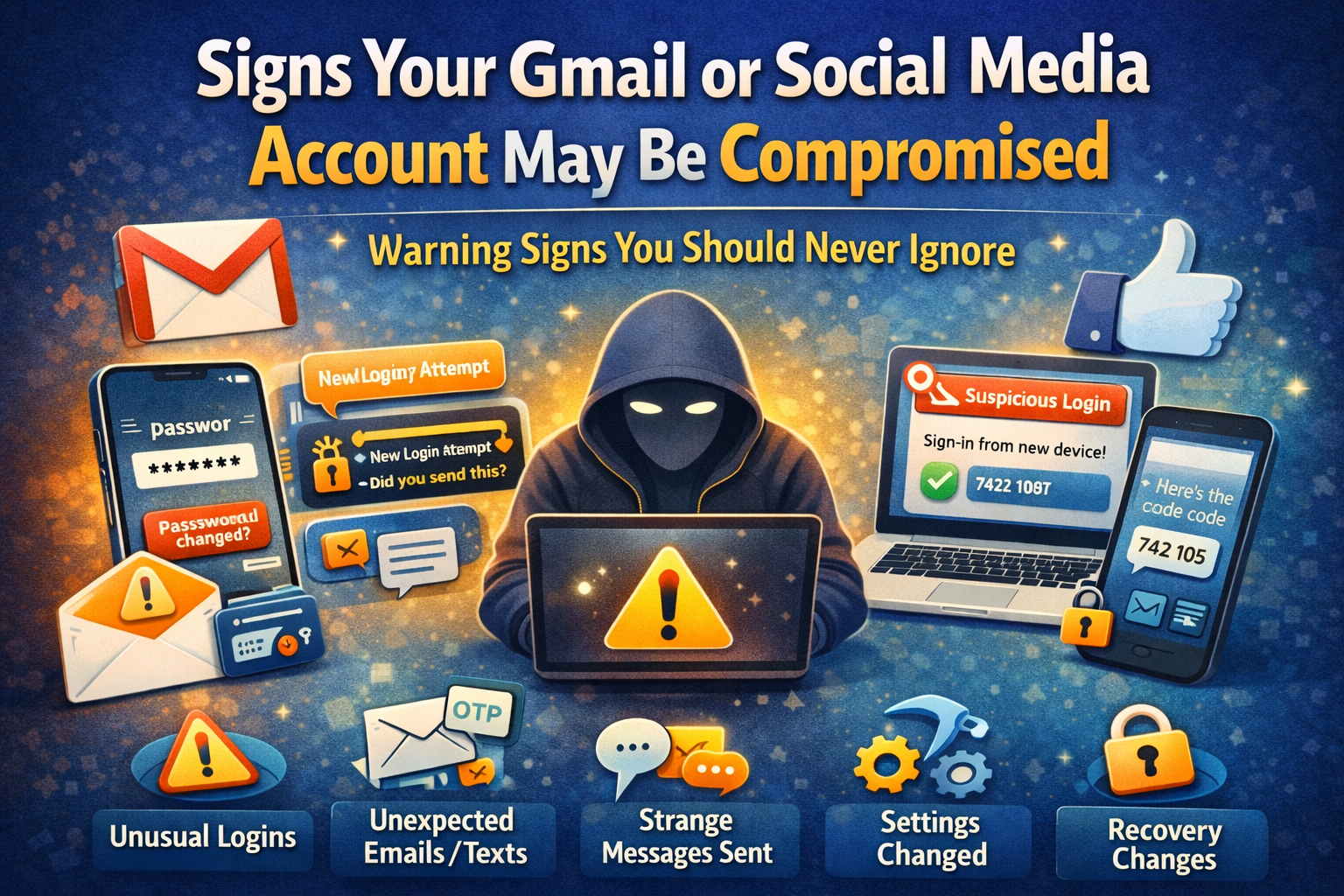
Signs Your Gmail or Social Media Account May Be Hacked
Signs Your Gmail or Social Media Account May Be Compromised
Most people do not realize their account has been compromised until the damage has already started.
Sometimes it begins with something small:
- a login alert you ignore
- a message you never sent
- a password reset you didn’t request
- a strange new device in your account activity
- friends asking why you sent them a suspicious link
At first, it may look like a glitch.
But sometimes it is not a glitch.
Sometimes it is the first sign that someone else has access to your account.
And if that account is your Gmail, the situation can become much more serious.
Because Gmail is not just email.
It is often connected to:
- YouTube
- Google Drive
- saved passwords
- shopping accounts
- bank alerts
- social media recovery
- work documents
- OTP and verification emails
That is why email account compromise is especially dangerous: if someone controls your inbox, they may also be able to reset passwords on many of your other accounts. The U.S. Federal Trade Commission explicitly warns that a hacked email account can be used to take over other services through password reset links.
The same goes for social media.
If your:
- X
- Snapchat
- YouTube
- WhatsApp-linked account
gets compromised, it can affect:
- your privacy
- your reputation
- your followers
- your money
- your business
- your content
- your clients
The good news is this:
Most compromised accounts show warning signs before things get worse.
If you know what to look for, you can often act early and reduce the damage.
This guide will help you understand:
- the most common signs your Gmail or social media account may be compromised
- how attackers usually get in
- what to do immediately
- how to recover your account step by step
- how to stop it from happening again
What Does “Compromised Account” Mean?
A compromised account means:
Someone else may have unauthorized access to your account, or has already changed something inside it.
This does not always mean a dramatic “hack” like in movies.
In real life, compromise often happens through simple methods like:
- phishing links
- leaked passwords
- reused passwords
- fake login pages
- malware
- stolen devices
- unsafe browser extensions
- weak security settings
So when we say your Gmail or social media account may be compromised, we mean:
- someone may know your password
- someone may be logged in without your permission
- someone may have changed settings behind the scenes
- someone may be using your account to scam others
And many people do not notice it immediately.
That is why early signs matter.
Why Gmail and Social Media Accounts Are Common Targets
These are some of the most valuable personal accounts people have.
Why attackers want Gmail
Because Gmail often contains:
- password reset links
- identity information
- work access
- payment emails
- bank alerts
- cloud documents
- private conversations
Why attackers want social media
Because social accounts can be used to:
- scam your followers
- impersonate you
- sell fake products
- send phishing links
- steal creator/business access
- blackmail or embarrass users
- run ad fraud
- lock you out of your own audience
That is why compromised accounts are not only a “tech issue.”
They can become a personal, financial, and reputation issue very quickly.
How Accounts Usually Get Compromised
Before we get into the warning signs, it helps to understand how this usually happens.
Because most account compromise does not happen through “advanced hacking.”
It usually happens through everyday mistakes or manipulation.
Common causes
- entering your password on a fake login page
- clicking suspicious email or DM links
- reusing the same password everywhere
- downloading fake apps or tools
- using weak passwords
- not turning on 2FA
- staying logged in on unsafe devices
- approving suspicious login prompts
CISA notes that phishing messages are often designed to look urgent or trustworthy and may arrive through email, texts, social media DMs, or phone calls. In 2026, perfect grammar is no longer a reliable red flag because scam messages can now be polished and convincing.
That means even careful users can be tricked if they are in a hurry.
So the goal is not panic.
The goal is awareness.
Top Signs Your Gmail or Social Media Account May Be Compromised
Now let’s go through the most important warning signs one by one.
1) You Can’t Log In Even Though Your Password Was Correct Before
This is one of the biggest warning signs.
If your password suddenly stops working and you are sure you entered it correctly, it may mean:
- someone changed your password
- someone changed recovery settings
- someone took over the account
- someone triggered a lockout or security restriction
The FTC lists “you can’t log in” as one of the most common signs that your email or social media account may have been hacked.
Why this matters
This is often one of the first major signs that the attacker has moved from “access” to “control.”
Because once they change your password, they are trying to block you out.
Real-world example
You try opening Gmail or Instagram in the morning.
Your usual password suddenly does not work.
You try again — still no.
Then you notice a recovery email was sent overnight.
That is not normal.
That is a serious sign you need to act immediately.
2) You Receive a Password Reset Email or OTP You Didn’t Request
This is another major warning sign.
If you receive:
- password reset emails
- verification codes
- login approval prompts
- account recovery messages
and you did not request them, that means one of two things:
Possibility 1
Someone is actively trying to access your account.
Possibility 2
Someone may already know your email/username and is testing entry.
Why this matters
Even if they have not succeeded yet, this often means your account is being targeted.
And if you ignore repeated security prompts, you may miss the moment when compromise actually happens.
What to do immediately
- do not click suspicious links inside random emails
- go directly to the official app/site
- change your password if the alert looks legitimate
- review login activity
Important
One accidental reset request may happen.
Repeated unexpected resets are not normal.
3) You Get Login Alerts From a Device or Location You Don’t Recognize
This is one of the clearest signs of unauthorized access.
You may see alerts like:
- “New login from Chrome on Windows”
- “Someone signed in from another city”
- “Was this you?”
- “New device connected”
The FTC specifically highlights unfamiliar device or location login alerts as a common warning sign of compromise.
Why this matters
If you see a login from:
- another city
- another country
- a device you do not own
- a browser you never use
that should never be ignored.
Real-world example
You live in Mumbai, but your account shows:
“New sign-in from Delhi”
or
“Login from a Windows PC”
when you only use your phone
That is a strong sign something is wrong.
What to do
If you see this:
- change password immediately
- sign out of all devices
- review recovery info
- enable 2FA if not already on
4) Friends or Followers Say You Sent Messages You Never Sent
This is one of the most common signs on social media.
Your friends may ask:
- “Why did you send me this link?”
- “Did you really ask me for money?”
- “Why did you message me at 3 AM?”
- “Why did you share that crypto/investment post?”
The FTC warns that if your contacts are receiving strange messages from you, your account may have been compromised and used to target others.
Why attackers do this
Once they enter one account, they often use it to attack more people.
Why?
Because people trust messages from people they know.
That means attackers may use your account to send:
- scam links
- fake offers
- money requests
- phishing pages
- account “help” messages
Real-world example
Someone gets into your Instagram.
They start DMing your followers:
“Hey, vote for me here”
or
“Can you help me receive a code?”
That is a classic compromise pattern.
5) Your Sent Mail, DMs, Posts, or Stories Show Activity You Didn’t Create
This is a major sign.
Check whether your account contains:
- sent emails you never wrote
- deleted emails you didn’t delete
- DMs you never sent
- comments you never posted
- stories you never uploaded
- follow requests you never approved
- posts or reels you never shared
Why this matters
This means the attacker may already be actively using your account.
Not just viewing it.
Using it.
Gmail-specific warning signs
Inside Gmail, look for:
- sent emails you don’t recognize
- deleted conversations
- spam sent from your address
- strange drafts
- forwarding rules you never created
The FTC specifically recommends checking your sent and deleted folders, plus email forwarding settings, after a suspected account hack.
Social media warning signs
On Instagram/Facebook/etc., look for:
- random posts
- strange profile bio changes
- new links in bio
- changed profile photo
- weird comments or story shares
Even one unexplained action should be taken seriously.
6) Your Recovery Email, Phone Number, or Security Settings Have Changed
This is a very serious sign.
Attackers often try to make account recovery harder for you.
So one of the first things they may change is:
- recovery email
- phone number
- trusted devices
- backup codes
- two-factor authentication method
- password reset settings
Why this is dangerous
Because once recovery info changes, taking back control becomes harder.
Real-world example
You open your account settings and notice:
- your recovery number is unfamiliar
- your backup email is changed
- 2FA is turned off
- a new device is trusted
That means someone may have already been inside your account settings.
That is not a minor issue.
That is an urgent one.
7) You Notice Strange Security Alerts or “Critical Warnings”
Sometimes platforms will warn you directly.
You may receive alerts like:
- suspicious sign-in blocked
- unusual activity detected
- your password was exposed
- your account was accessed from a new device
- we noticed suspicious behavior
Important rule
Do not ignore real security warnings.
But also:
Do not trust every message claiming to be a warning.
Because attackers also fake these alerts.
How to check safely
Never click random warning links first.
Instead:
- open the official app/site directly
- go to Security / Login Activity
- confirm the alert from inside the account itself
That is the safer method.
8) Your Account Is Following, Liking, Subscribing, or Joining Things Without You
This happens often on social media.
You may notice:
- new accounts followed
- pages liked
- channels subscribed
- spam comments left
- random groups joined
- suspicious ads or pages interacted with
Why attackers do this
Sometimes compromised accounts are used for:
- boosting fake pages
- pushing scam content
- mass-following accounts
- sending spam engagement
- creating trust for later scams
Why this matters
Many users ignore this because they think:
“Maybe I clicked something by mistake.”
Sometimes yes.
But repeated unexplained behavior usually means:
- account misuse
- unauthorized automation
- a malicious connected app
- or direct account access
9) Your Gmail Inbox Looks “Clean” in a Suspicious Way
This is one sign many people miss.
Attackers sometimes hide their activity.
That means your inbox may look “normal,” but actually important emails were:
- deleted
- archived
- marked as read
- forwarded elsewhere
- filtered into hidden folders
Why attackers do this
Because they want to stay invisible while using your account.
For example:
- they request password resets on your other accounts
- then they hide those reset emails
- so you don’t notice
Check these Gmail areas
Look inside:
- Sent
- Trash
- Spam
- Archived
- Filters and Blocked Addresses
- Forwarding settings
This step is extremely important if Gmail is involved.
10) You See New Connected Apps, Extensions, or Devices You Don’t Recognize
A compromised account does not always look like a direct login.
Sometimes the access comes through:
- a connected app
- browser extension
- third-party login
- suspicious API permission
- “Continue with Google” misuse
Why this matters
An attacker may not always need your password every time.
Sometimes they use granted access instead.
What to check
Review:
- connected apps
- linked devices
- browser sessions
- active logins
- account permissions
If you see something unfamiliar, remove it immediately.
11) Your Account Gets Temporarily Locked, Limited, or Security-Checked Repeatedly
This is a softer warning sign, but still important.
Sometimes platforms detect suspicious behavior before you do.
So if your account repeatedly gets:
- locked temporarily
- asked to verify identity
- asked to solve extra security checks
- flagged for unusual activity
it may mean:
- suspicious logins are happening
- automated misuse is happening
- someone is testing access
Why this matters
It does not always mean compromise is confirmed.
But it does mean your account may already be under pressure.
That is a signal to harden security immediately.
12) Your Contacts Say They Received Money Requests or “Urgent Help” Messages
This is one of the biggest red flags.
Compromised social and email accounts are often used to send:
- “Can you send me money?”
- “I’m in trouble”
- “Can you help me receive a code?”
- “Click this to vote”
- “Open this urgently”
- “I need your help fast”
CISA notes that phishing and social engineering often use urgency, emotional pressure, or impersonation to push victims into acting quickly without verifying first.
Why this matters
This means your account may already be being weaponized against other people.
That is when the situation becomes urgent.
You need to secure it immediately and warn your contacts.
Real-World Example: How a Compromise Usually Happens
Let’s make this practical.
Scenario
A creator receives an email:
“Your Instagram account may be removed for copyright violation. Verify now.”
The email looks real.
The page looks real.
They panic and log in.
But it was a fake login page.
Now the attacker has:
- username
- password
If 2FA is weak or missing, the attacker logs in and:
- changes email
- changes password
- messages followers
- posts scam links
- locks out the owner
What the first signs often look like
Before full lockout, the user may notice:
- login alert from another device
- strange password reset email
- followers saying “Did you send this?”
- story or DM activity they never created
That is exactly why spotting signs early matters.
What To Do Immediately If You Think Your Account Is Compromised
Now the most important part:
What should you do right away?
Do not panic.
Act in the correct order.
Step 1: Stop Clicking Anything Suspicious
If compromise may have started through a fake email, message, or website:
Do this first
- close suspicious tabs
- stop entering passwords
- do not click more links
- do not download anything else
If you think you entered your password on a fake page:
Assume the password is exposed.
Act fast.
Step 2: Change Your Password Immediately
If you still have access to the account:
Change the password now
Use a new, unique, strong password.
Do not use:
- your old password
- a slight variation
- the same password you use elsewhere
Best password rule
Use a password that is:
- long
- unique
- hard to guess
- not reused on any other major account
If you reused that password anywhere else, change those accounts too. The FTC specifically recommends changing reused passwords after a compromise.
Step 3: Sign Out of All Devices and Sessions
This is extremely important.
Changing the password alone is not always enough.
Because attackers may still remain logged in on another session.
Do this
Find:
- Manage devices
- Where you’re logged in
- Active sessions
- Logged-in devices
Then:
Sign out everywhere
The FTC specifically advises signing out of all devices after regaining access to a hacked account.
This helps remove hidden active access.
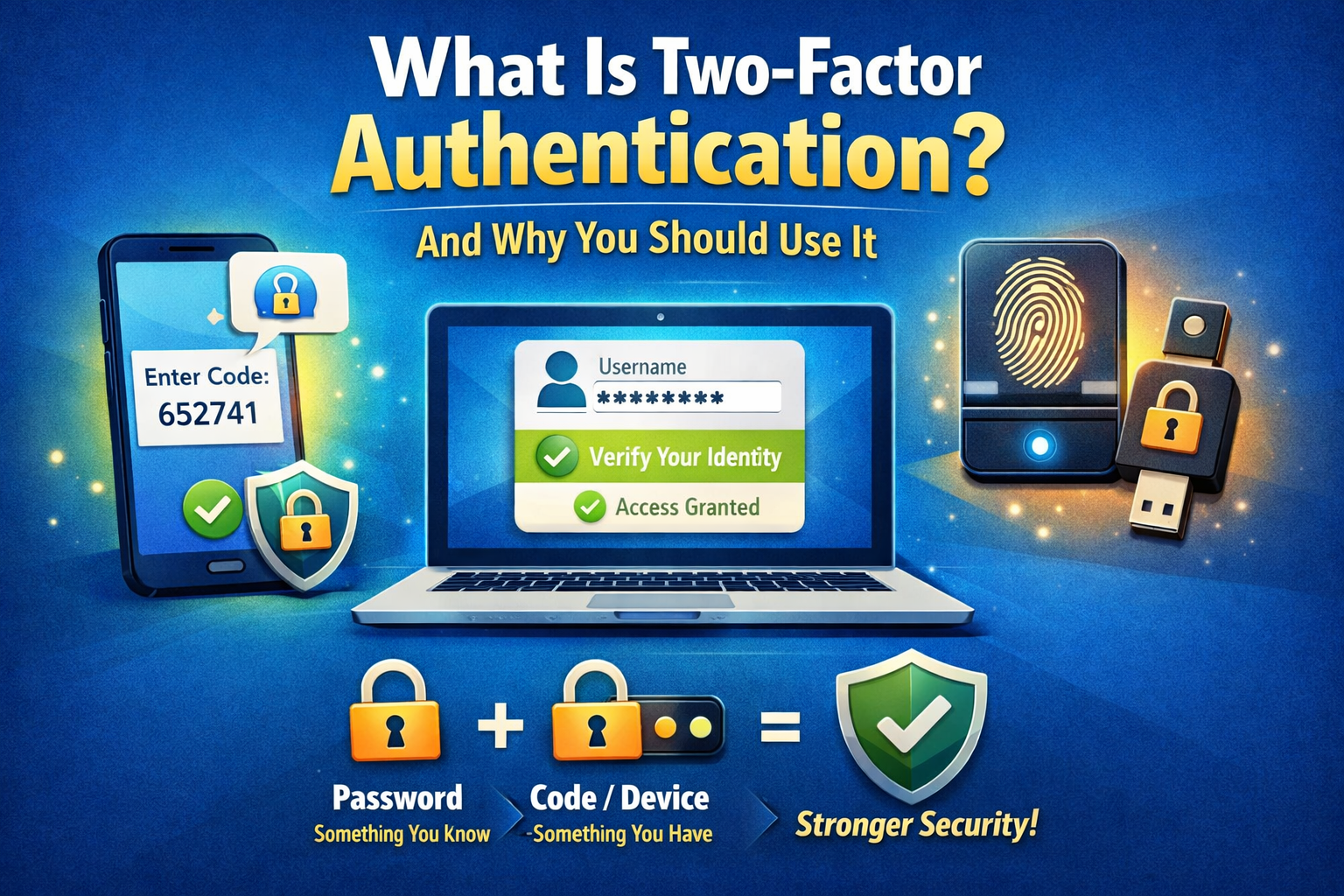
Step 4: Turn On Two-Factor Authentication (2FA) Immediately
If 2FA is not already enabled, turn it on now.
Best options
Use:
- authenticator app
- trusted device prompt
- strong account-based verification
CISA states that MFA adds a critical second layer and that users who enable it are significantly less likely to get hacked because a stolen password alone is no longer enough.
Why this matters
Even if someone still knows your password, 2FA can block them from logging in again.
Priority order
Turn on 2FA first for:
- Gmail / email
- Apple / Google account
- Instagram / Facebook / social media
- cloud storage
- shopping / payment-linked accounts
Step 5: Check Recovery Email, Phone Number, and Security Settings
This is one of the most important recovery steps.
Review and confirm:
- recovery email
- phone number
- trusted devices
- login methods
- backup codes
- security questions (if applicable)
If anything changed
Change it back immediately.
Because if recovery info stays compromised, the attacker may come back later.
Step 6: Check for Hidden Damage Inside the Account
This is where many people stop too early.
They change the password… and assume the problem is over.
That is a mistake.
You also need to inspect what changed inside the account.
For Gmail, check these:
- Sent Mail
- Trash
- Spam
- Archived emails
- Forwarding settings
- Filters and blocked addresses
- recovery settings
- connected devices
- third-party app access
For Social Media, check these:
- DMs
- posts
- stories
- bio links
- profile photo
- phone/email settings
- linked apps
- ad account access
- saved payment methods
- active sessions
This is where you often find the “hidden compromise.”
Step 7: Scan Your Device If You Clicked or Downloaded Something Suspicious
This step is often skipped, but it matters.
If compromise may have started through:
- suspicious software
- fake browser extension
- malware download
- fake app
then changing your password alone may not be enough.
The FTC advises updating security software and scanning your device before or during recovery if malware may be involved.
What to do
- update your device
- remove suspicious apps/extensions
- run a security scan
- uninstall anything you don’t trust
- restart after cleanup
If you keep typing new passwords into an infected device, you may just expose them again.
That is the real risk.
Step 8: Warn Your Contacts If Messages Were Sent From Your Account
If the attacker used your account to contact others, do not ignore that.
Do this
Post or message clearly:
“My account was compromised. If you received any suspicious message, link, money request, or login-related message from me, please ignore it.”
The FTC explicitly recommends telling your contacts after a hack so they don’t click malicious links or respond to fake requests.
This protects:
- your friends
- your followers
- your reputation
- your business trust
And it may stop the scam from spreading.
Step 9: Recover Other Accounts That May Be Linked to the Same Email
This is critical if Gmail was involved.
Remember:
A compromised email account can lead to multiple account takeovers.
Check and secure:
- YouTube
- shopping apps
- cloud storage
- payment-linked accounts
- saved login accounts
If the attacker had access to your inbox, they may have tried password resets elsewhere.
Do not assume Gmail was the only target.
Step 10: Learn What Allowed the Compromise
This is what prevents it from happening again.
Ask honestly:
- Did I click a fake link?
- Did I reuse an old password?
- Was 2FA missing?
- Did I approve a strange login?
- Did I install something unsafe?
- Was my browser or phone insecure?
This is not about blame.
It is about identifying the weak point and fixing it.
How To Protect Your Gmail and Social Accounts Going Forward
Once you recover, strengthen your security properly.
Best Prevention Checklist
1. Use a unique password for each major account
Especially for:
- Gmail
- banking
- shopping
- cloud storage
2. Turn on 2FA everywhere possible
Especially email first.
3. Never click login links from panic-based messages
Type the official site/app manually instead.
4. Review account activity regularly
Check:
- devices
- sessions
- recovery info
- connected apps
5. Avoid saving everything in unsafe browsers/extensions
Use trusted password storage.
6. Keep your phone and laptop updated
Old devices are easier to exploit.
7. Be suspicious of urgency
“Act now,” “verify now,” “copyright issue,” “account disabled,” and “payment failed” are common bait phrases. CISA specifically warns that urgent or emotionally charged language is a classic phishing signal.
Best Accounts to Secure First If You’re Short on Time
If you only have 20–30 minutes today, do these first:
Priority order
- Gmail / email
- Google / Apple account
- Instagram / Facebook / social accounts
- Banking / payment-linked apps
- Cloud storage
- Shopping accounts with saved cards
This order matters because compromise usually spreads through the most connected accounts first.
Why This Topic Matters So Much in 2026
In 2026, scams are smarter.
Attackers now use:
- polished fake emails
- fake support chats
- cloned login pages
- AI-written scam messages
- social engineering through DMs
- better impersonation tactics
That means many compromises do not begin with “technical hacking.”
They begin with:
- trust
- urgency
- distraction
- one wrong click
That is why awareness is now part of digital safety.
And this article is exactly the kind of helpful, practical, non-spammy content that fits a strong trust-based website.
How do I know if my Gmail account is hacked?
Common signs include login alerts from unknown devices, password reset emails you didn’t request, sent emails you never wrote, changed recovery info, or being unable to log in.
What are the signs that my social media account is compromised?
You may notice strange DMs, unknown posts, new follows, login alerts, changed profile details, or friends saying they received suspicious messages from you.
Can someone hack my other accounts through Gmail?
Yes. If someone controls your email inbox, they may request password reset links for other accounts and take them over too.
What should I do first if I think my account is hacked?
Change your password, sign out of all devices, turn on 2FA, review recovery info, and inspect account settings immediately.
Should I tell my followers or contacts?
Yes. If suspicious messages were sent from your account, warn your contacts quickly so they do not click scam links or send money.
Is changing my password enough?
Not always. You should also check active sessions, recovery settings, forwarding rules, connected apps, and possible malware exposure.
What is the safest way to avoid phishing?
Do not click login links from urgent emails or DMs. Open the official app or type the website yourself instead. CISA recommends verifying through a trusted path rather than using the link provided in a suspicious message.
Final Thoughts
If your Gmail or social media account starts behaving strangely, do not ignore it.
Because account compromise often starts quietly.
A small sign today can become a serious problem tomorrow.
The most important thing is to remember this:
Unusual account behavior is never something to casually ignore.
If you notice:
- login alerts
- strange messages
- unknown devices
- changed recovery info
- posts you didn’t make
- password resets you didn’t request
treat it seriously and act quickly.
Because the faster you respond, the better your chance of limiting the damage.
And if you secure your:
- recovery settings
- 2FA
- passwords
- connected devices
you make it much harder for attackers to return.
In 2026, protecting your accounts is not only a “tech skill.”
It is a basic life skill online.
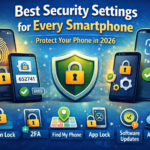
Security Settings You Should Enable on Every Smartphone
Your smartphone is not just a phone anymore. It is your: camera wallet email inbox social media account banking device shopping account